Process Orchestration
Define and run business decision paths: gather evidence, route work, execute authorized steps, keep human approval gates, and review performance.

Review defined process measures, trace report production, inspect recommendations, and distinguish recorded runs from simulation assumptions.
Process Analytics is HEPO's software for examining how a business process performs. A process owner selects the measures, scope, period, and comparisons that matter; observations and operational records supply the evidence. Reports and recommendations help the owner decide what to investigate or change.
Its output is a reading with a defined basis, not simply a number detached from its production. The reporting workflow and available source context help explain how the result was obtained.
After several quotations have passed through the approval process, the owner can examine elapsed time, waiting states, returns for rework, and exceptions. The question may be whether a recurring delay occurs before finance review, during a source-data check, or after a decision while delivery waits for confirmation.
Those intervals suggest different responses. Missing information may call for a better intake step; repeated rework may call for clearer criteria. A faster period also needs context: a different case mix or lower volume can affect the comparison.
A proposed change belongs to the responsible owner. The reading helps identify a question and examine the evidence; it does not automatically remove an approval or reassign someone's work.
The analytics configuration establishes metrics, dimensions such as time, department and process type, aggregation grain, and filters. The process-side vocabulary includes five indices:
| Index | What the reading examines | Relevant evidence |
|---|---|---|
| Process Health | The configured combination of efficiency, quality, and reliability | Cycle time, rework, and blocked duration |
| Cycle Time | Elapsed time between defined start and completion events | Lifecycle and execution timing |
| Exception Rate | Frequency and severity of selected exceptions | Routing records and error outcomes |
| Automation Readiness | Characteristics relevant to considering automation | Manual steps, volume, repeatability, and error patterns |
| Compliance | Conformance to the rules included in the configured assessment | Relevant permission, policy-check, and audit records |
Automation Readiness is a discussion aid, not permission to automate. A Compliance reading concerns the selected rules and evidence; it is not certification that every legal or regulatory obligation is satisfied. Definitions, evidence coverage, and review responsibility remain part of interpreting either measure.
Read change over time against a consistent definition and period. Updating evidence, filters, or configuration can change a reading even when the underlying practice has not changed in the same way.
Reports can be composed as workflows using data access, transformation, calculation, and presentation steps. That gives the technical reviewer a process to inspect and rerun: which inputs were selected, which filters and operations were applied, and which result was produced.
Re-running a report is useful only when the reviewer understands whether its data or configuration has changed. A trace supports investigation; it does not make every input correct or confer a different legal status on the report.
The operator sees the useful result. An authorized administrator can inspect the relevant process and execution information through the available tooling. Smart Operations explains those two depths of the working interface.
Recommendations connect a configured signal to a possible response. The process vocabulary includes optimization, automation candidates, escalation-rule changes, resource reallocation, redesign, and compliance-related alerts.
For the quotation, repeated missing credit information might prompt a proposal to bring that check earlier. The owner examines the source records, exception handling, and effect on the people involved before approving a revised definition. Where development is needed, a campaign or programme can organize the work; other responses need a process change or another responsible action.
The later review compares what followed with the intended result. Before-and-after movement is evidence to examine, not proof that the intervention caused it.
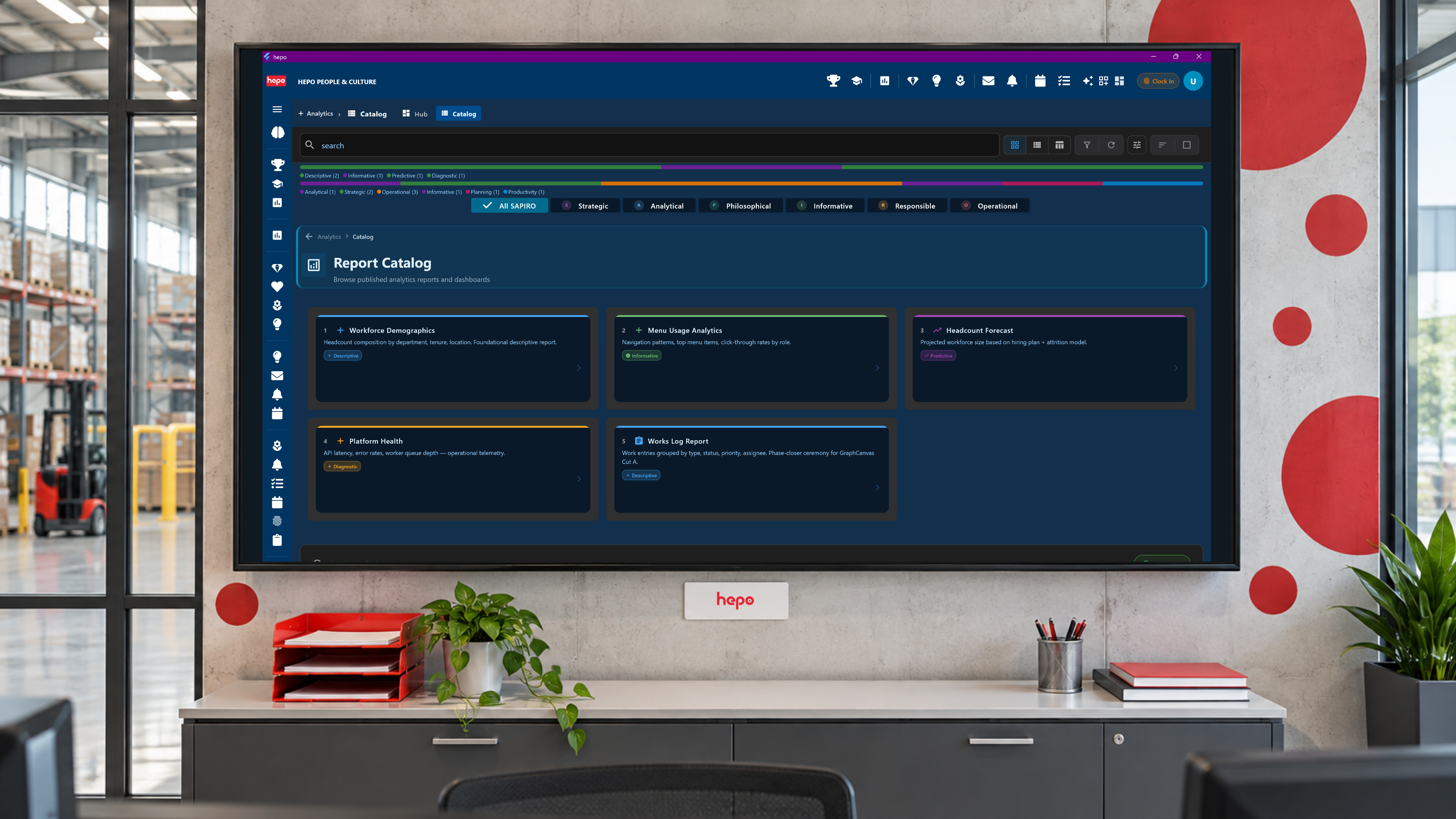
Operational Core: Reports & Analytics explains report definitions, source bindings, and runs. This Process page uses those readings to investigate delivery and consider changes.
| Use | What it tells the reviewer |
|---|---|
| Recorded execution and playback | What the recorded run contains, including available steps, results, and timing |
| A configured workflow dry run | How selected inputs move through the graph and which actions are represented as simulated under the chosen execution mode |
| A scenario model | What a declared model produces when assumptions such as workload, staffing, or routing change |
A dry run does not automatically reproduce human waiting time or predict future throughput. Simulation mode and the treatment of side effects must be established before the run; the word "simulation" alone is not a guarantee that an arbitrary workflow cannot write data.
For the broader interactive offering, Simulation & Gamification supports exploration, rehearsal, and learning. Scenario simulation develops the use of explicit assumptions and alternatives. Applying a change to live work remains a separate authorized step.
Your process owner defines the review question. Consultants help examine the measure and proposed response; implementers configure the analytics, reports, and suitable test arrangements. The delivery partner supports the transition from first reading to a reviewable improvement.
Bring us one process measure that needs an explanation or a next action.