Process Orchestration
Define and run business decision paths: gather evidence, route work, execute authorized steps, keep human approval gates, and review performance.

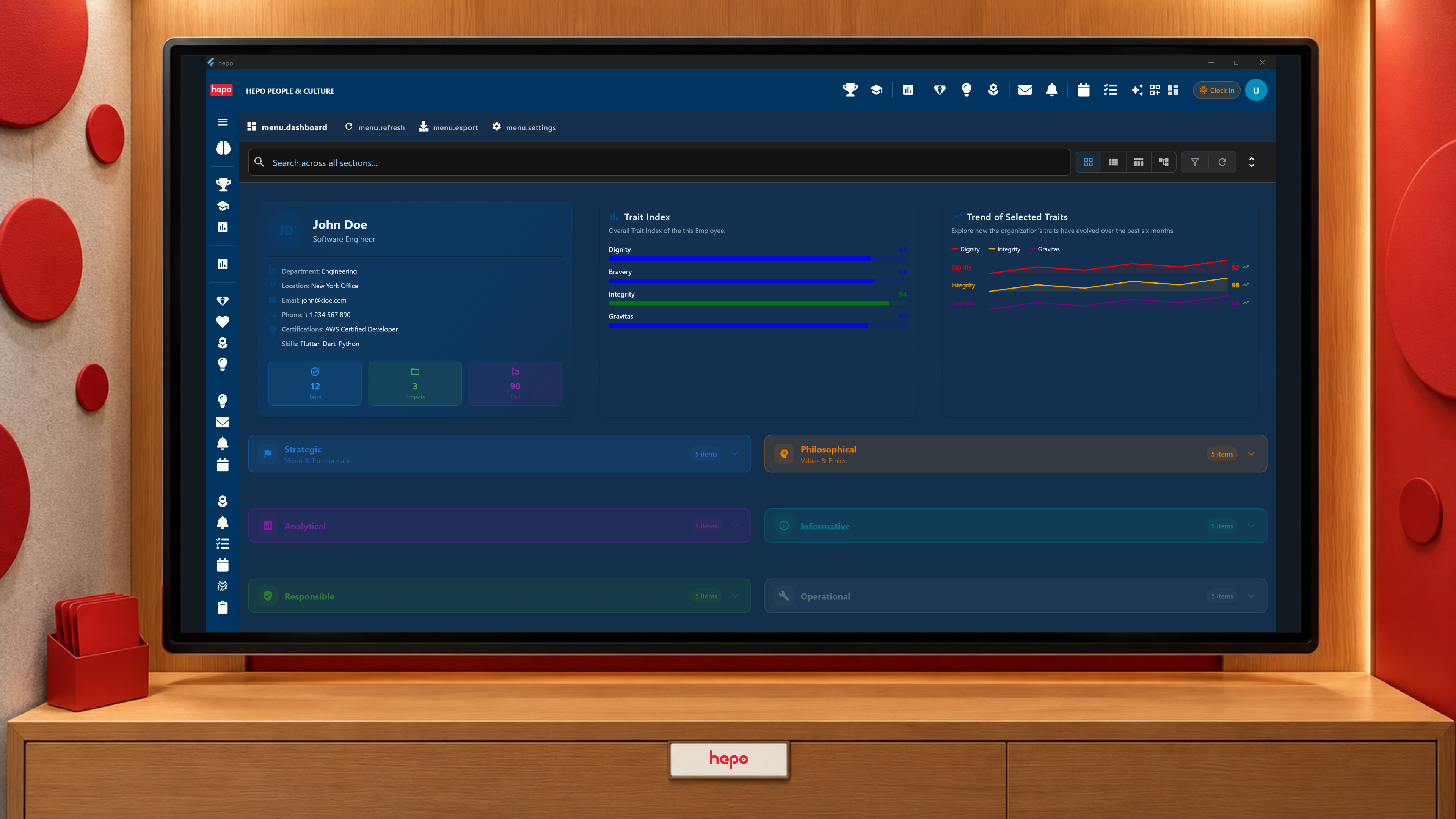
See how process results, navigation, confirmations, and the assistant connect execution to the operator and inspection to the administrator.
Smart Operations is the working experience that connects HEPO's processes to the people using them. A process response can open a relevant view, refresh a list, present a message, or request confirmation. Operators receive the next piece of work in the application; authorized administrators can inspect the process behind it.
It brings together execution, evidence, integration, analytics, and the assistant. It is the user-facing expression of Process Orchestration, rather than another offering to learn before using it.
The quotation's checks have produced the material needed for review. The authorized reviewer receives the relevant case and supporting context. They examine it and make the decision required by the process. The next permitted step can then run, and the application can show its result.
If an external delivery is still pending, that state differs from a confirmed completion. If the process needs further information, the next view should make that work clear. A screen opening is useful because it brings the operator to the right action; it is not evidence that the underlying business decision has already been made.
The arrangement is configured for the process and its participants. It does not establish that every case finishes instantly or that a colleague is available as soon as a result arrives.
Processes reach users through responses and instructions to the interface. Users also reach processes through screens and, where enabled, the HEPO Assistant.
A person can ask for a relevant record or available process. The assistant uses the application's own interfaces and process calls to carry out permitted work. The response may contain an answer, navigation, or a proposed action. Identity, access, confirmation policy, and any human approval step remain relevant in either direction.
The Orchestrator runs the path. Evaluation reads evidence. The assistant helps the user access work. Keeping those responsibilities separate helps the operator understand whether they are seeing a suggestion, making a decision, or receiving an execution result.
| Instruction family | Effect in the working surface |
|---|---|
| Navigate | Open a relevant screen or destination |
| Behave | Refresh, highlight, scroll, or display a notification |
| Execute | Request a process invocation, with confirmation where required by its configuration |
| Message | Present a reply or result explanation |
| Canvas | Compose, focus, arrange, or otherwise interact with the supported visual workspace |
These instructions are part of the application's protocol. They do not require a generated picture of the interface or an agent guessing which pixel represents a button. The supported instruction, registered destination, and current permissions determine what can happen.
Conversation requests, returned directives, and polling for pending directives support immediate and longer-running work. A long-running process can provide a later result through the configured delivery path; the operator need not interpret silence as successful completion.
For the operator, the important questions are practical: what is this case, what information is available, what am I allowed to do, and what happened after I acted? The process graph should not become required reading for routine work.
For the authorized administrator, the relevant depth is the definition, routing, bindings, and recorded execution. Inspection helps explain an unexpected result, investigate a failed step, or prepare a change. The available inspection surfaces and permissions determine how that detail is reached; a single universal "show everything" control is not the promise.
Process Analytics uses that distinction for reports: a useful reading for the owner and an inspectable production path for the evaluator. Evidence Modules and Data Integration supply the context behind the work.
A confirmation asks whether the user intends a proposed action. A permission check determines whether that action is allowed. A human gate assigns a business decision to its responsible reviewer. These are related controls with different jobs.
Implementation establishes where each applies. An interface instruction cannot legitimately enlarge the user's authority, and a model's proposed answer does not grant approval. Security Follows the Actor explains the review questions for that boundary.
Your delivery partner works with operators and administrators at their respective depths. Begin with one case arriving, one required decision, its result, and an exception. That gives the team a practical way to examine whether the configured surface supports the work.
Show us where one process result needs to reach its next owner.