System Layer — Shared Services Behind HEPO
Understand HEPO's shared security, data, integration, local AI, workspace, and extension services, and how to evaluate them in your deployment.

Arrange supported record views and widgets into a shared workspace without creating another copy of the underlying business records.
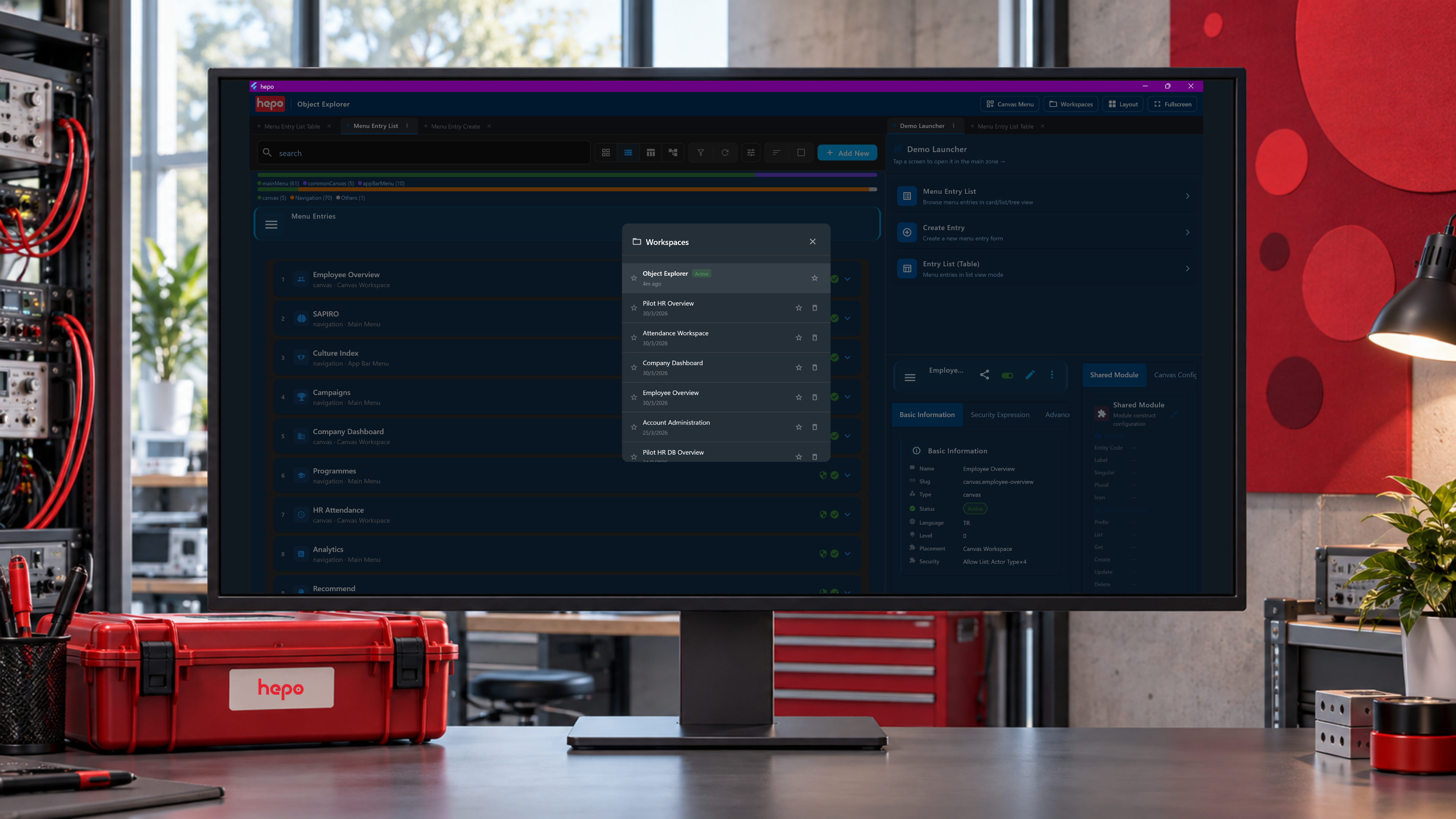
Common Canvas is HEPO's workspace capability for composing supported views and widgets into multiple panes. A team can examine related records side by side, arranged around the task at hand. The panes use the platform's records and capabilities; changing the layout does not create another business database.
Implementers and workspace designers use this capability to shape the working surface. It supports the three offerings by keeping relevant information within a coherent view of the task.
An operations workspace can bring a project, its work items, and a selected record detail into separate panes. A user follows a related record and the workspace opens or focuses the supported view. A different role may need a different composition of the same underlying subject, under that role's access.
The purpose is practical: keep the context needed for the decision available while the user works. The composition does not grant permissions or supply a capability that the platform has not registered.
| Element | Working role |
|---|---|
| Layout and zones | Provide the arrangement in which panes appear |
| Supported panes | Host registered record views or widgets |
| Focus and navigation | Open, select, or return to the relevant view |
| Entity context | Identify which record a pane is showing |
| Change signals | Coordinate supported refresh or interaction among participating views |
Human navigation, assistant requests, and process-directed navigation can use the shared dispatch path. The target must support the relevant presentation mode; normal route navigation remains appropriate where a canvas view is unavailable.
Common Canvas changes the arrangement of existing capabilities. Shared Module supplies configured data surfaces. Code Factory supports generating module artifacts. These are the three levels of adaptation described by the original architecture.
A composed workspace still depends on the interfaces and data contracts of its panes. It needs compatibility review when those contracts change. Composition reduces duplicated screen work; it does not make every layout immune to updates.
The team identifies the records and actions needed for a specific task. Implementers compose supported panes and check navigation, focus, refresh, access, and use on the intended display. Start with a project review or a quotation decision, then remove panes that do not help the user act or understand.
Common Canvas is distinct from the immersive representations described in Simulation & Gamification. The former arranges working surfaces; the latter supplies experiences for exploring, rehearsing, and learning. Both can use connected information without becoming the same capability.